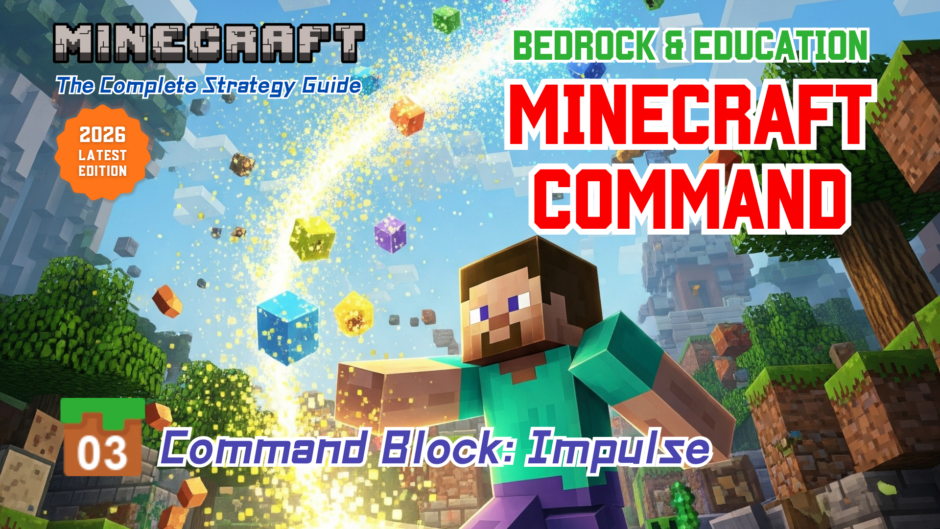



 Command Block: Impulse
 Command Block: Impulse
- Feature: It runs a command only once. When you activate it with a button or lever, it will run the command just at that moment.
- Uses: Use it for one-time actions. For example, it’s often used to give a single item to a player or to teleport a player just once.
- Example: Let’s set up an Impulse command block to teleport a player 10 blocks up when a lever is turned on.
Command entered in the Command Block:
Block Type: Impulse / Redstone: Needs Redstone
/tp @p ~~10~ (Teleports the nearest player 10 blocks above the command block)
When a command is executed by a command block, @s refers to the command block itself. To teleport the player who activated the lever, you must use @p (nearest player) instead.
Placing a lever on top of a command block can be tricky because you have to hold the “Shift” key while right-clicking.
However, you can also place the lever on the side of the command block! When activated, it will still power the block and execute the command. Placing it on the side only requires a simple right-click, so there’s no need to force it on top if it’s difficult.
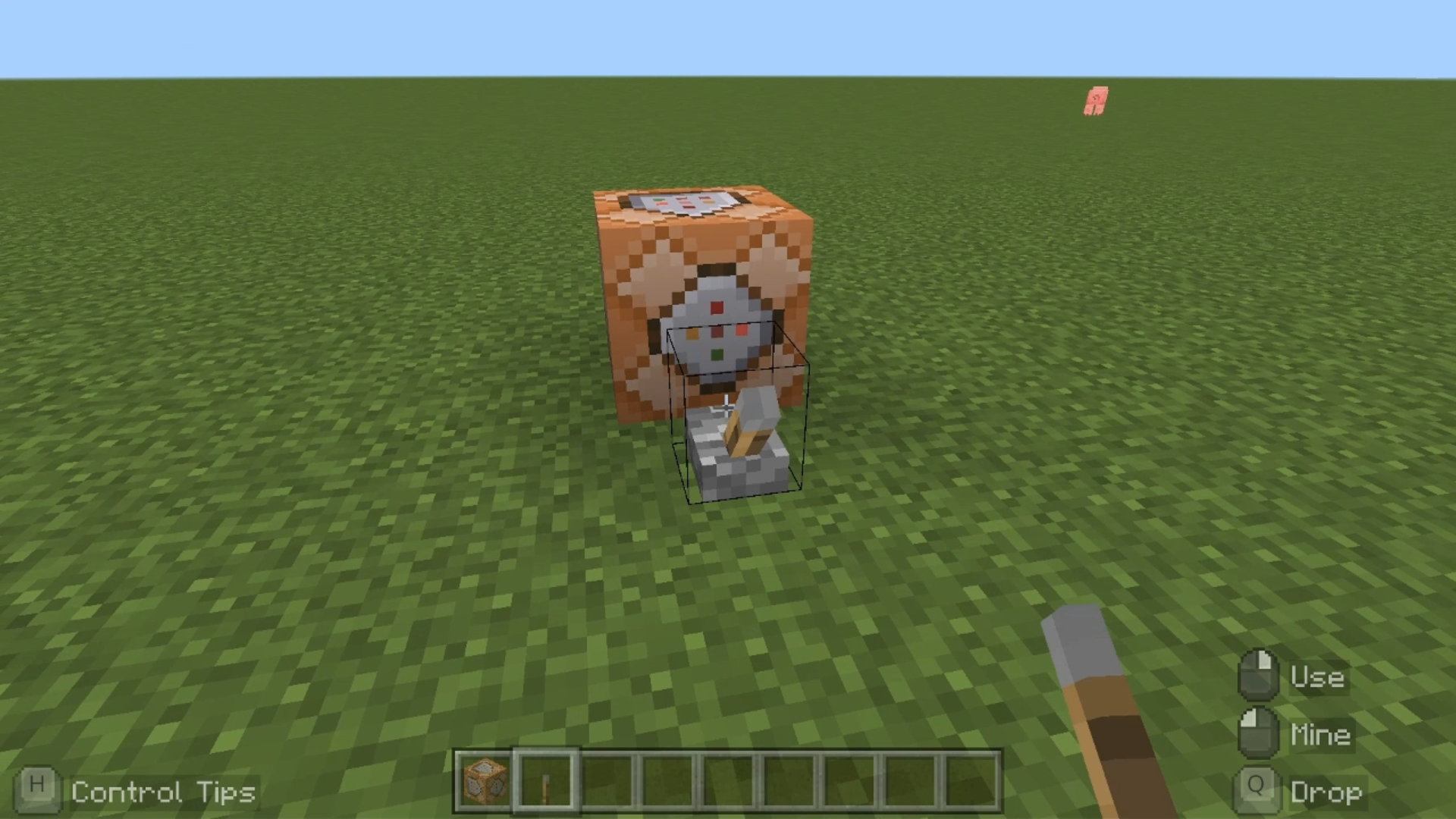
Note: You can place levers or buttons on the side of the command block without holding the Shift key, and the power will still be transmitted.
The Impulse command block is designed to run a command exactly once per activation. For this reason, it is most commonly used by attaching a button or a lever directly to the block.
Minecraft: Education Edition is a version of Minecraft specifically designed for educational use. It aims to help students develop skills in creative problem-solving, collaboration, and communication. A key feature is the ability to learn programming through tools like MakeCode and Python. It also provides specialized features for the classroom, including teacher management tools, lesson plans, and educational content.