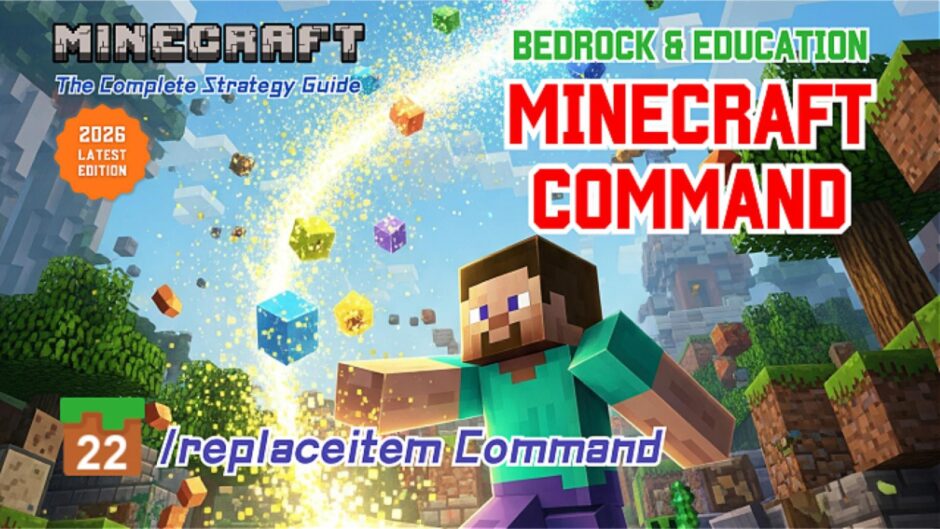


 Custom Mobs! “Replacing Items and Equipment on Mobs with the /replaceitem Command”
 Custom Mobs! “Replacing Items and Equipment on Mobs with the /replaceitem Command”
Command entered in the Command Block:
A. 🗡️Dual-Wielding Wither Skeleton
 Block Type: Impuls / Redstone: Needs Redstones
/replaceitem entity @e[type=wither_skeleton] slot.weapon.offhand 0 stone_sword
This makes the wither skeleton look like it’s in a “dual-wielding mode,” holding a sword in both hands.
B. ❌Wither Skeleton with Nothing
Block Type: Impuls / Redstone: Needs Redstones
/replaceitem entity @e[type=wither_skeleton] slot.weapon.mainhand 0 air
This makes the wither skeleton hold nothing.
C. 🎃 Halloween-Themed Zombie
Block Type: Impuls / Redstone: Needs Redstones
/replaceitem entity @e[type=zombie] slot.armor.head 0 carved_pumpkin
This makes the zombie look like it’s wearing a pumpkin helmet.
D. 🐎Equipping Armor on a Horse
Block Type: Impuls / Redstone: Needs Redstones
/replaceitem entity @e[type=horse] slot.armor 1 diamond_horse_armor
This allows you to equip a horse with shiny diamond horse armor.
Minecraft: Education Edition is a version of Minecraft specifically designed for educational use. It aims to help students develop skills in creative problem-solving, collaboration, and communication. A key feature is the ability to learn programming through tools like MakeCode and Python. It also provides specialized features for the classroom, including teacher management tools, lesson plans, and educational content.