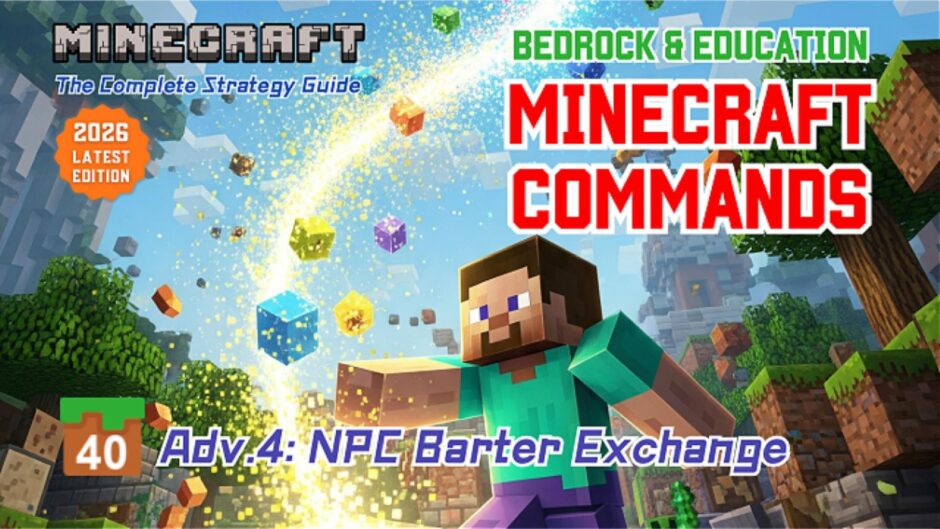



 Adv.4: NPC Barter Exchange Setup “Barter Exchange! Get a Diamond Sword for 3 Diamonds!”
 Adv.4: NPC Barter Exchange Setup “Barter Exchange! Get a Diamond Sword for 3 Diamonds!”
Commands used in the chat window:
/wb
➡️This command toggles the ON/OFF state of “World Builder Mode.” When ON, you can place NPCs, open the settings screen, and add dialogues and buttons to execute commands.
/gamemode s
➡️This command changes your game mode to Survival mode.
Commands used in the NPC Command Button:
/execute as @p[hasitem={item=diamond, quantity=..2}] run say You don’t have enough diamonds
➡️This command displays the message “You don’t have enough diamonds” to a player who has 2 or fewer diamonds (or none).
/execute as @p[hasitem={item=diamond, quantity=3..}] run give @p diamond_sword
➡️This command gives a diamond sword to a player who has 3 or more diamonds.
/clear @p[hasitem={item=diamond, quantity=3..}] diamond 0 3
➡️This command clears 3 diamonds from a player who has 3 or more diamonds.
Minecraft: Education Edition is a version of Minecraft specifically designed for educational use. It aims to help students develop skills in creative problem-solving, collaboration, and communication. A key feature is the ability to learn programming through tools like MakeCode and Python. It also provides specialized features for the classroom, including teacher management tools, lesson plans, and educational content.